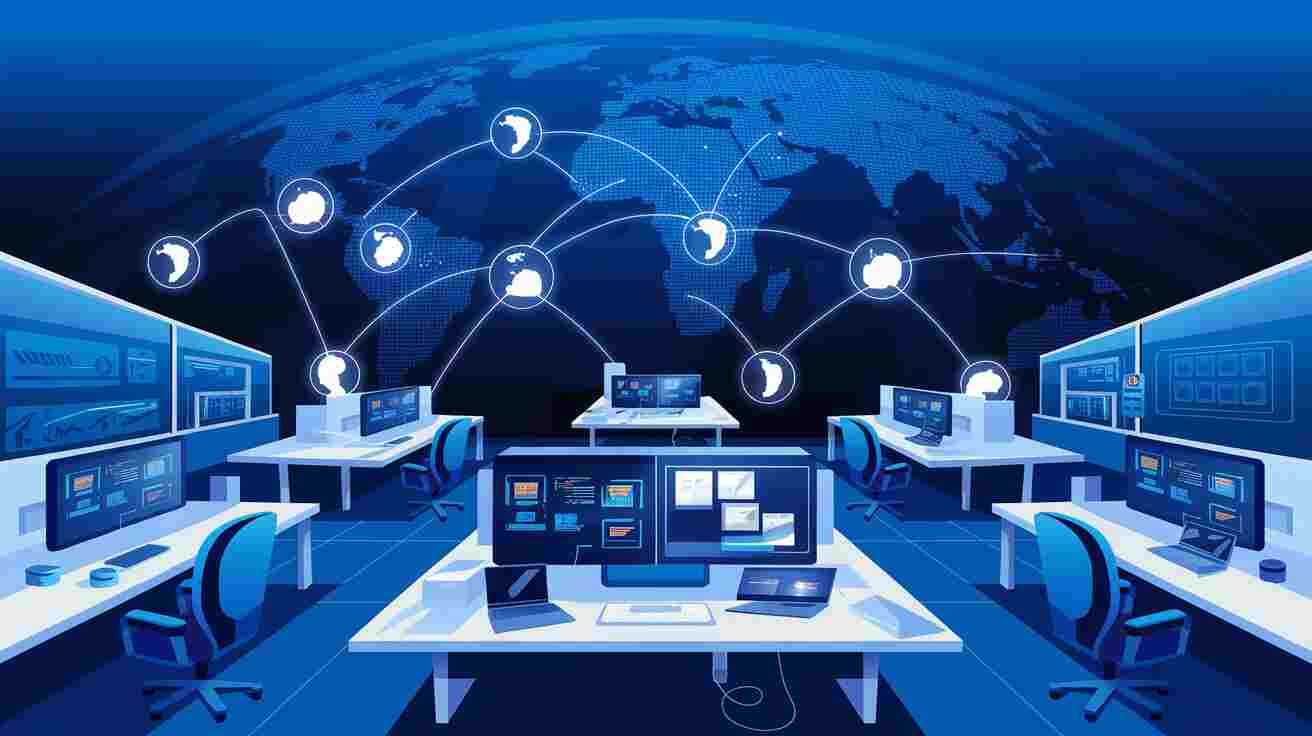
Remote work has become increasingly common as companies adopt flexible work models and global teams collaborate across different locations. While remote work offers many advantages, it also introduces new challenges related to communication, coordination, and workflow visibility.
Without a centralized system for managing tasks and projects, remote teams often struggle with fragmented communication and unclear responsibilities. Team members may rely on multiple tools such as email, chat applications, and spreadsheets, which can create confusion and reduce productivity.
Project management software provides a structured solution that helps remote teams organize work, communicate efficiently, and track progress in real time.
This article explores how project management tools support remote teams and help organizations maintain productivity even when employees work from different locations.
Challenges Faced by Remote Teams
Remote teams face several challenges that traditional office teams do not encounter.
Some of the most common challenges include:
- lack of real-time communication
- unclear task responsibilities
- limited project visibility
- coordination across different time zones
When teams do not have a centralized platform for managing work, these challenges can significantly slow down productivity.
Project management software helps solve these problems by providing a shared workspace where all project information is accessible to the entire team.
Centralized Task Management
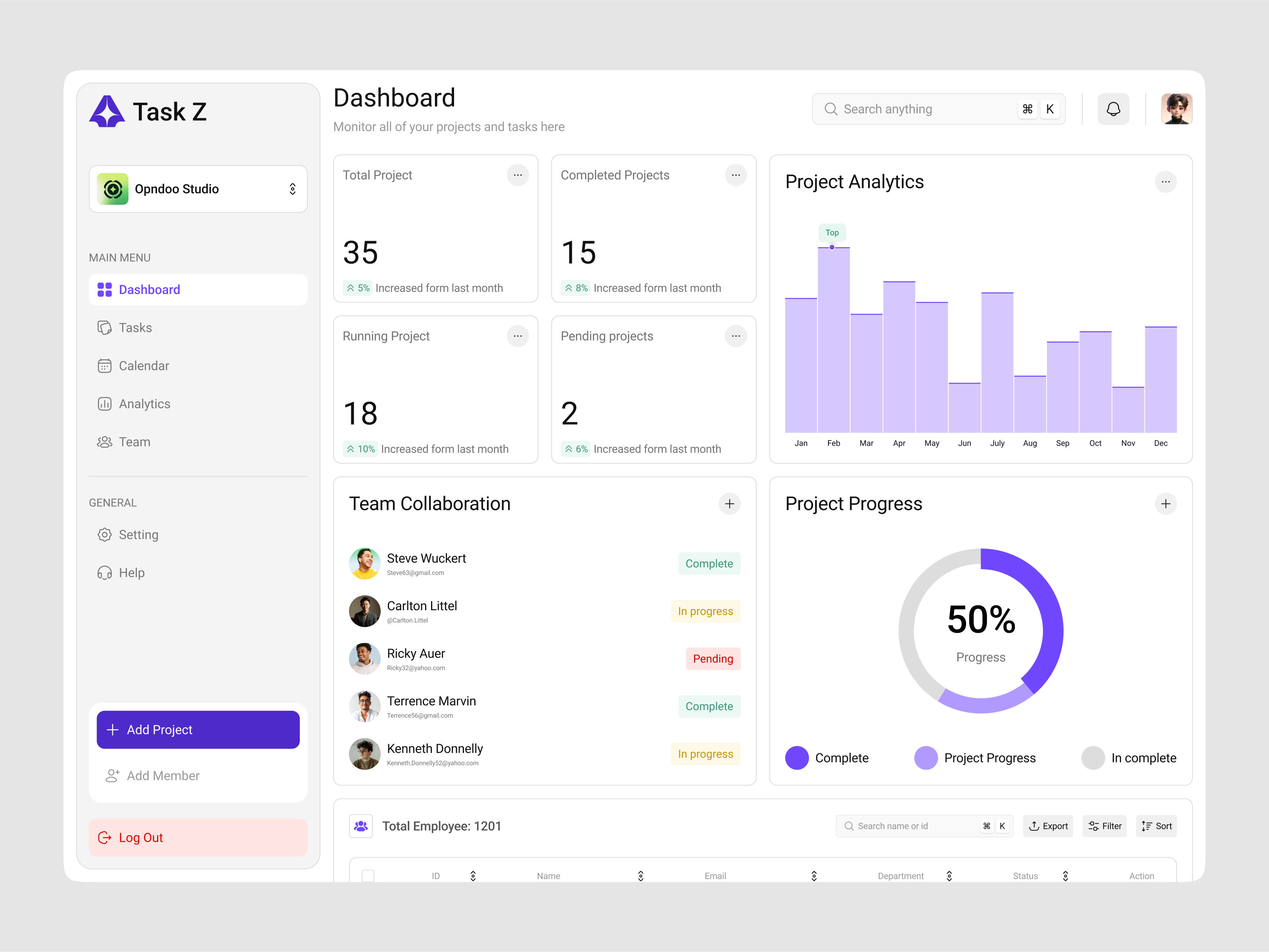
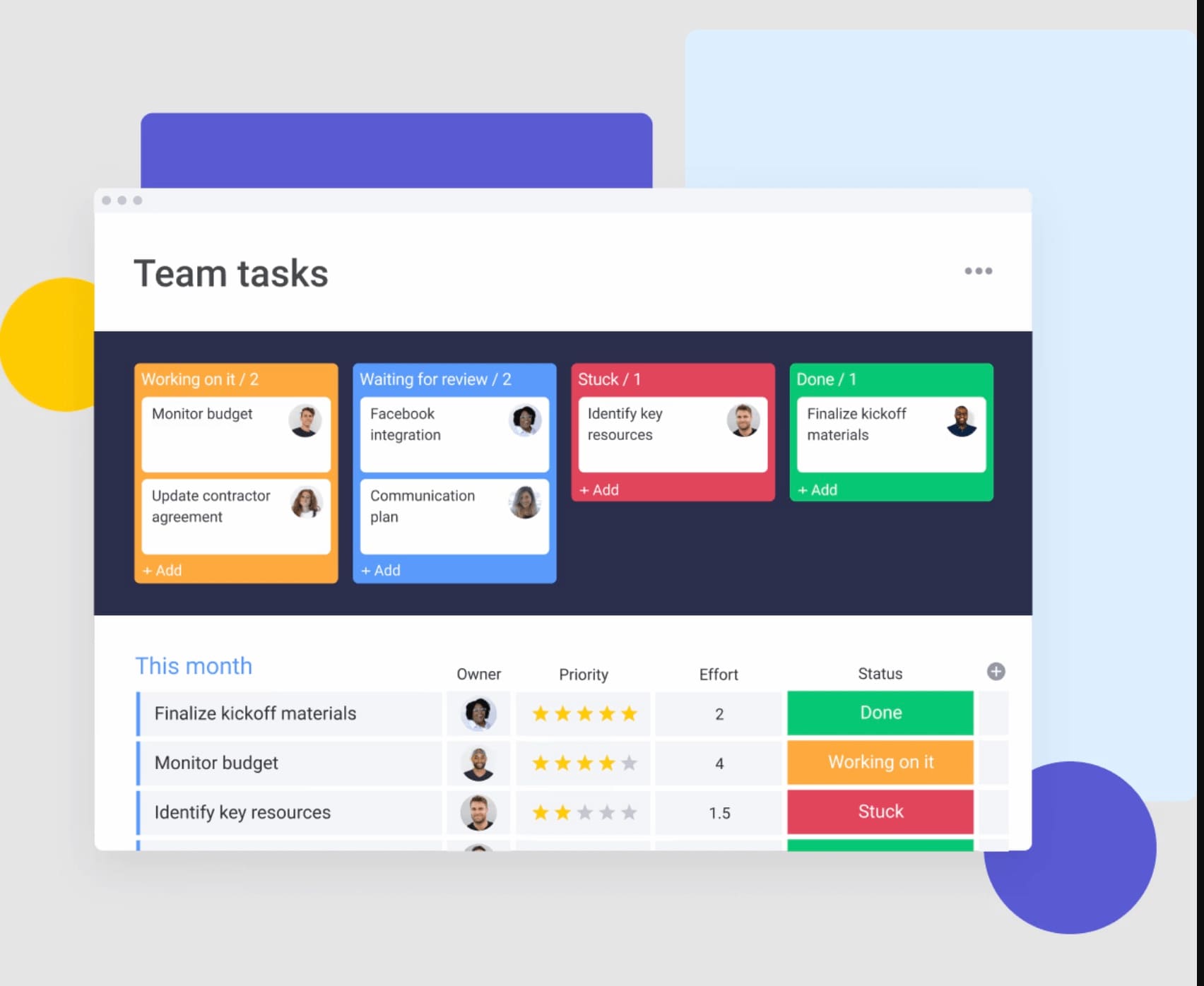
Centralized task management is one of the most important features for remote teams.
Project management platforms allow teams to:
- assign tasks to specific team members
- track project progress
- monitor deadlines
- update task status in real time
When all project information is stored in one location, remote employees can easily understand what work needs to be completed and who is responsible for each task.
Prioritization ensures that remote teams focus on the most important tasks first.
Improving Visibility Across Distributed Teams
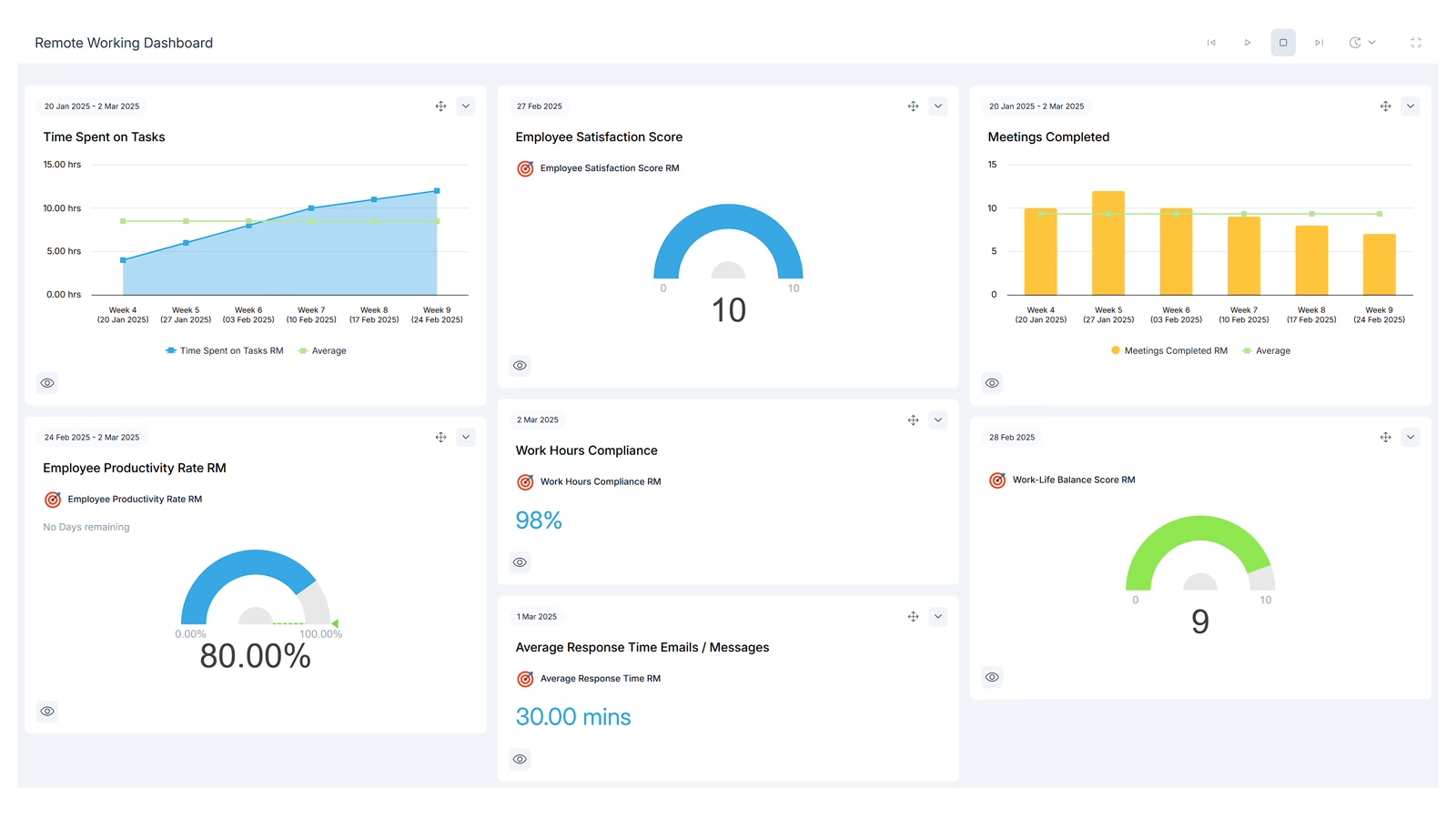

Visibility is essential when teams work remotely.
Without clear insight into project progress, managers may struggle to identify delays or workload imbalances.
Project management software solves this problem by providing visual dashboards that display key metrics such as:
- task progress
- milestone completion
- workload distribution
- upcoming deadlines
Dashboards help remote teams stay aligned even when they work in different locations.
Maintaining Reliable Deadlines
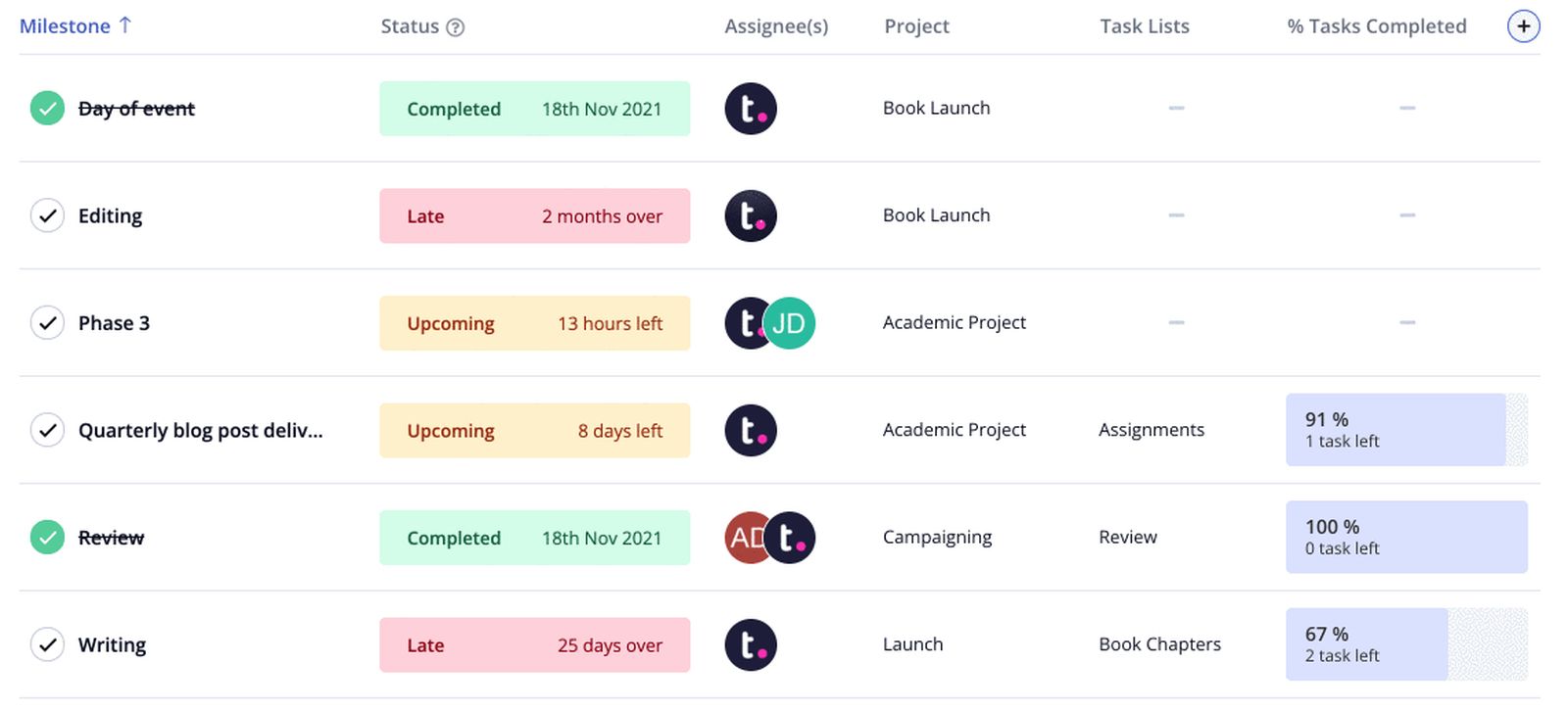
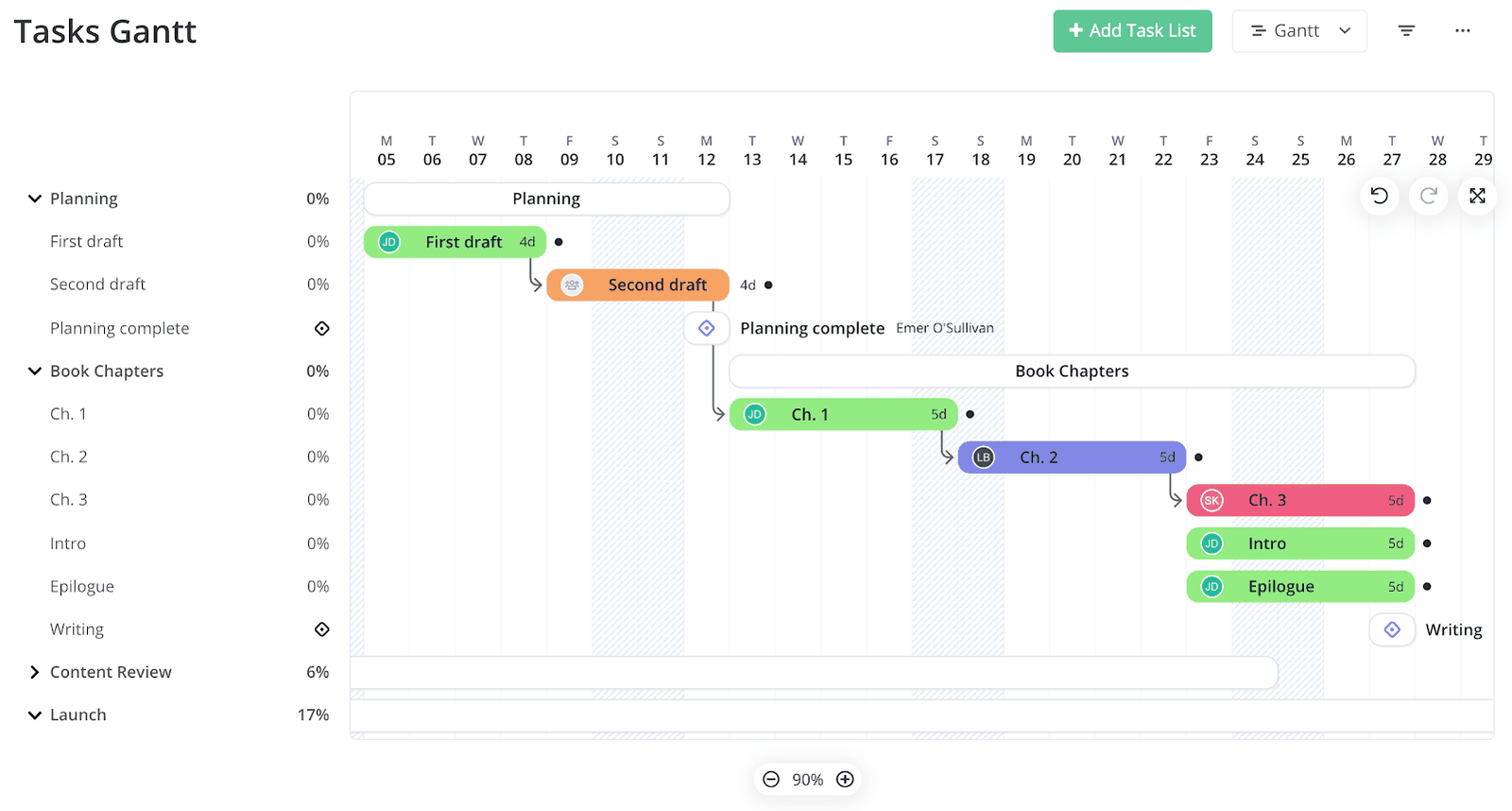

Deadlines can become more difficult to manage when team members work remotely.
Project management platforms provide tools that help remote teams maintain reliable schedules through features such as:
- timeline views
- milestone tracking
- automated reminders
These features help ensure that remote team members remain aware of upcoming deadlines.
Maintaining predictable timelines is essential for remote collaboration.
Automation Supports Remote Workflows
Automation features play an important role in remote team productivity.
Automated workflows can perform repetitive tasks such as:
- assigning responsibilities
- updating task status
- sending notifications
- creating recurring tasks
These automation features reduce the need for manual coordination.
Automation allows remote teams to maintain consistent workflows even when employees work in different time zones.
Strengthening Communication for Remote Teams
Clear communication is essential for remote collaboration.
Project management platforms help improve communication by allowing team members to:
- comment on tasks
- share documents
- provide project updates
- track discussion history
This centralized communication system ensures that everyone involved in the project has access to the same information.
Improved communication reduces misunderstandings and helps remote teams collaborate more effectively.
Final Thoughts
Remote work requires strong coordination systems to ensure that teams remain productive and aligned. Project management software provides the structure necessary to organize tasks, monitor deadlines, and maintain visibility across distributed teams.
By combining centralized task management, dashboard visibility, automation, and structured scheduling, organizations can successfully manage remote teams and maintain consistent productivity.
When teams adopt these systems, remote collaboration becomes more efficient and projects can move forward smoothly regardless of location.