Modern teams manage an enormous number of repetitive tasks every day. Assigning tasks, updating statuses, sending reminders, and organizing workflows can consume valuable time that could otherwise be spent on meaningful work.
Project management automation helps eliminate these repetitive processes by automatically triggering actions when specific conditions are met. Instead of manually coordinating every step of a workflow, teams can rely on automation rules that keep projects moving forward.
Automation is one of the most powerful features of modern project management platforms because it allows teams to focus on strategic work instead of routine administrative tasks.
This article explores how automation works, how teams use it in real project environments, and why it significantly improves productivity.
What Is Project Management Automation
Project management automation refers to the use of automated rules that perform actions inside a project management system.
These rules can automatically trigger actions such as:
- assigning tasks to team members
- moving tasks between workflow stages
- sending deadline reminders
- updating project statuses
- notifying stakeholders
Instead of manually performing these tasks, the system executes them automatically based on predefined conditions.
Automation helps ensure that workflows remain consistent and predictable.
Automating Workflow Processes
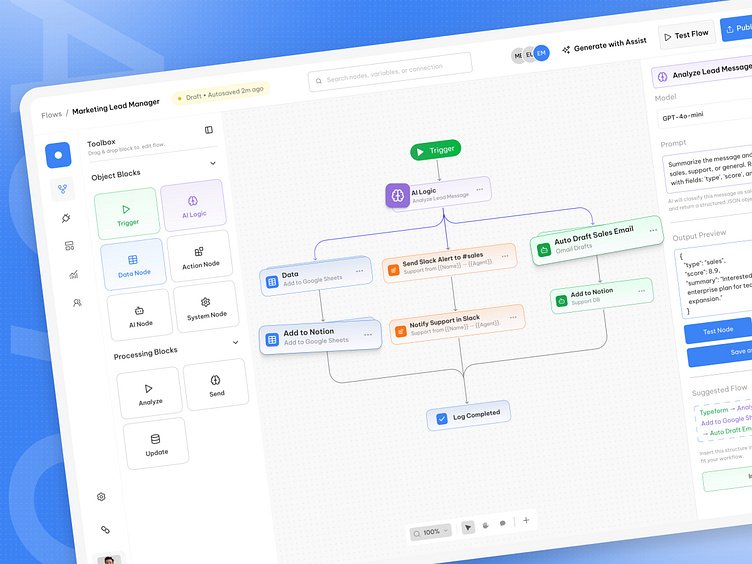
One of the most common uses of automation is workflow management.
Teams can create automation rules such as:
- when a task is completed → move it to the next stage
- when a deadline approaches → send a reminder notification
- when a new project starts → create predefined tasks
These automated processes reduce manual coordination and help teams maintain consistent workflows.
Automation also reduces the risk of human error when managing complex projects.
Automatic Task Assignment
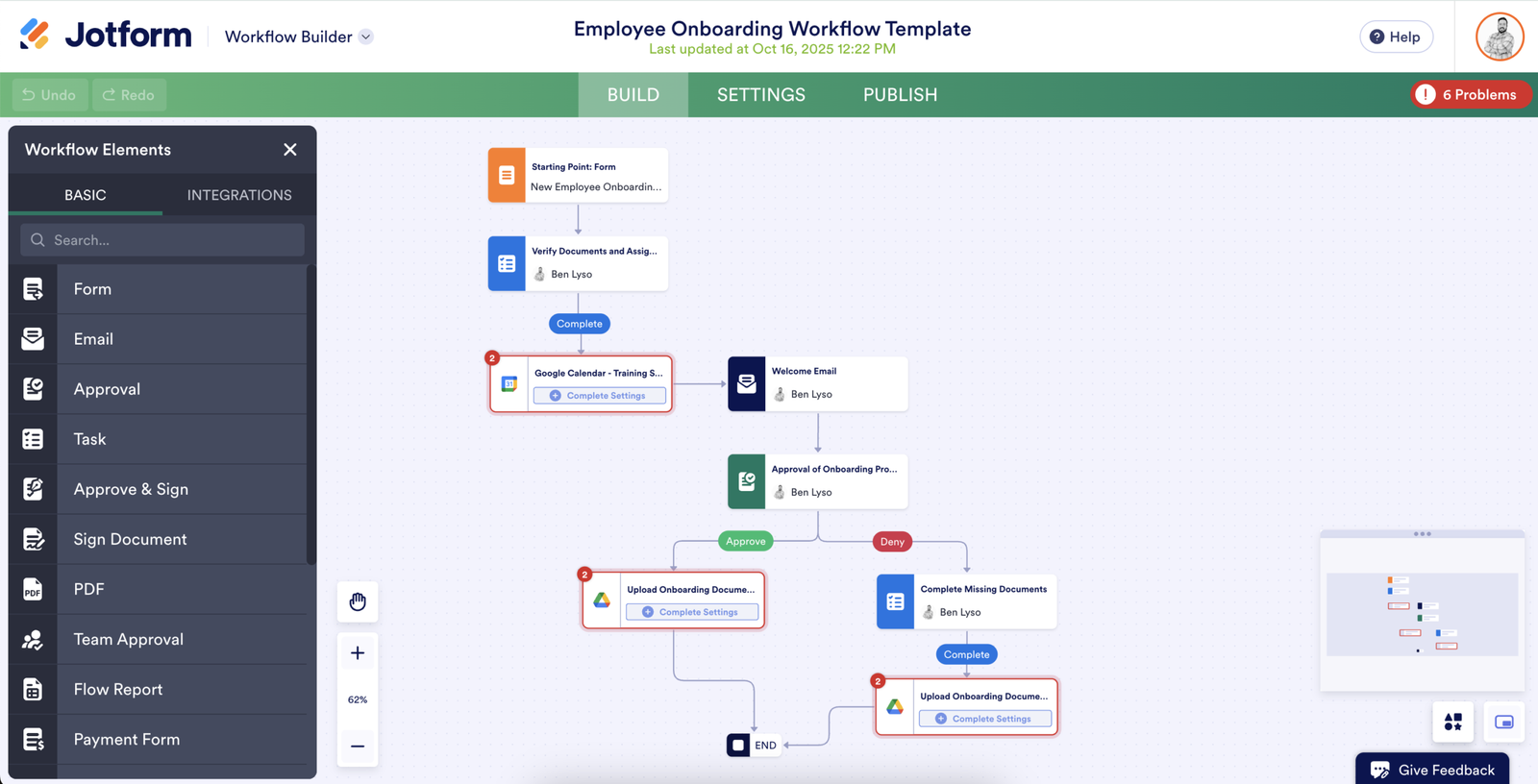
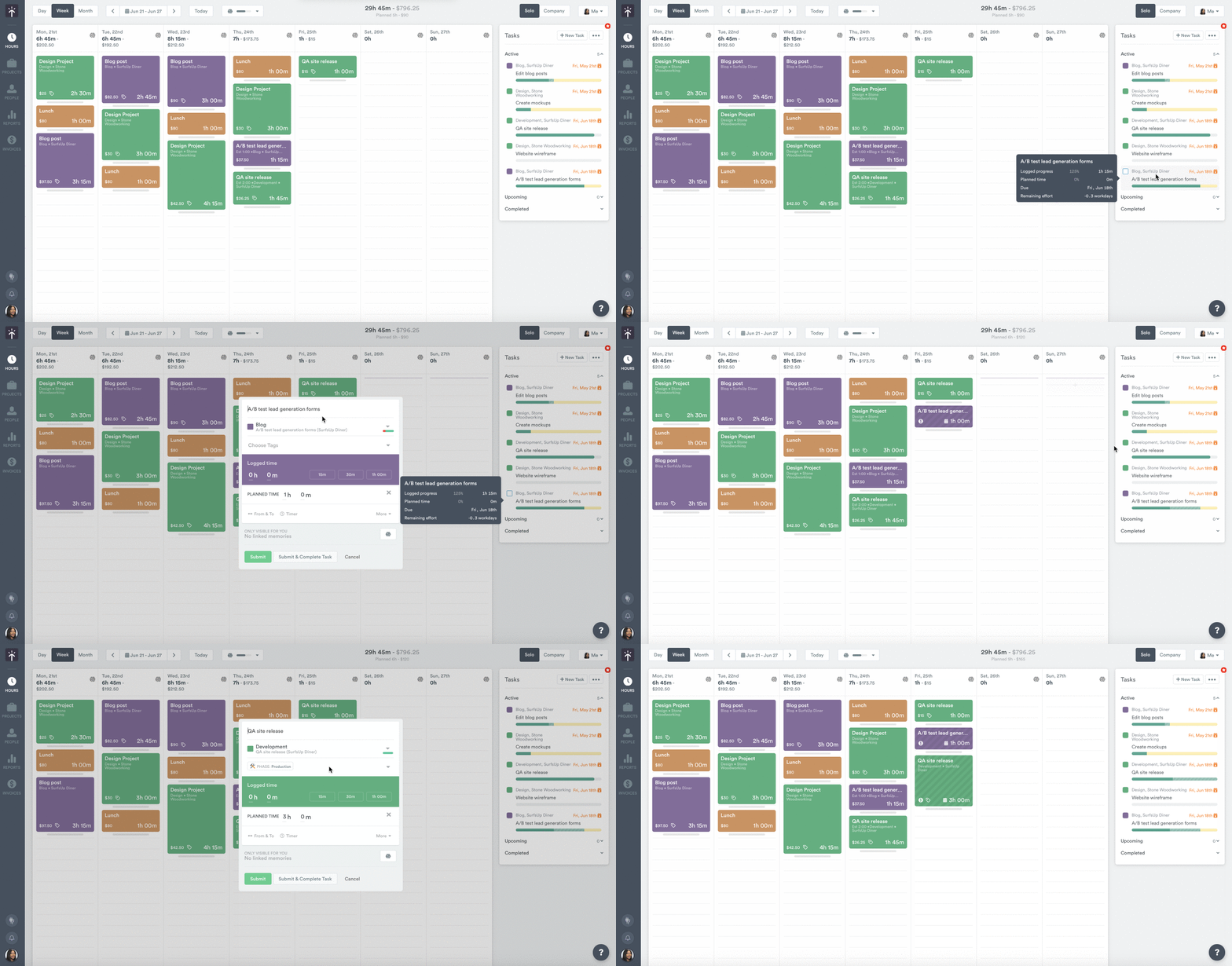
Task assignment is another area where automation significantly improves efficiency.
For example, teams can configure rules such as:
- when a support ticket is created → assign to customer service
- when a marketing campaign begins → assign tasks to designers
- when a bug is reported → assign it to the development team
Automatic task assignment ensures that responsibilities are clearly defined without requiring manual coordination.
Automation and Project Visibility
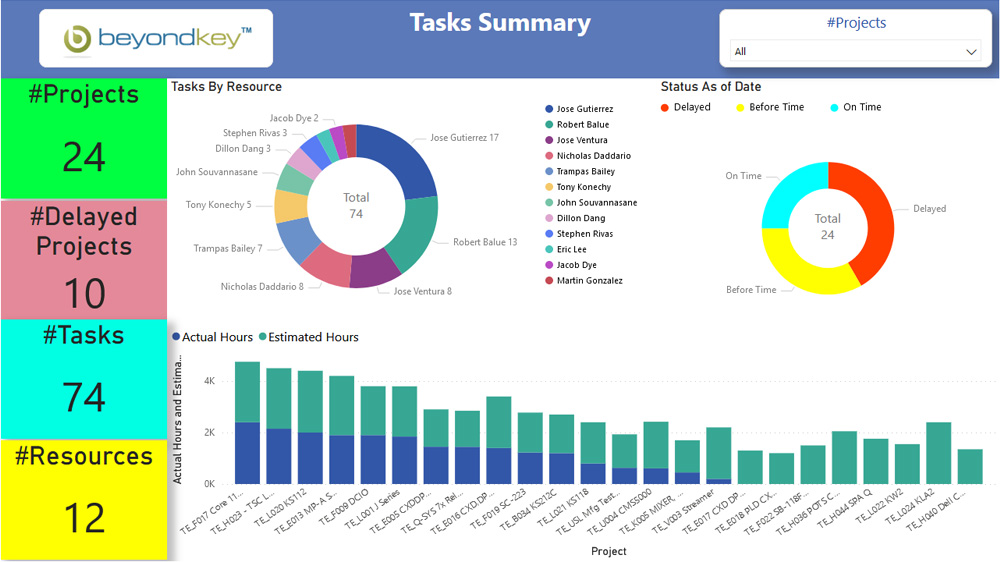
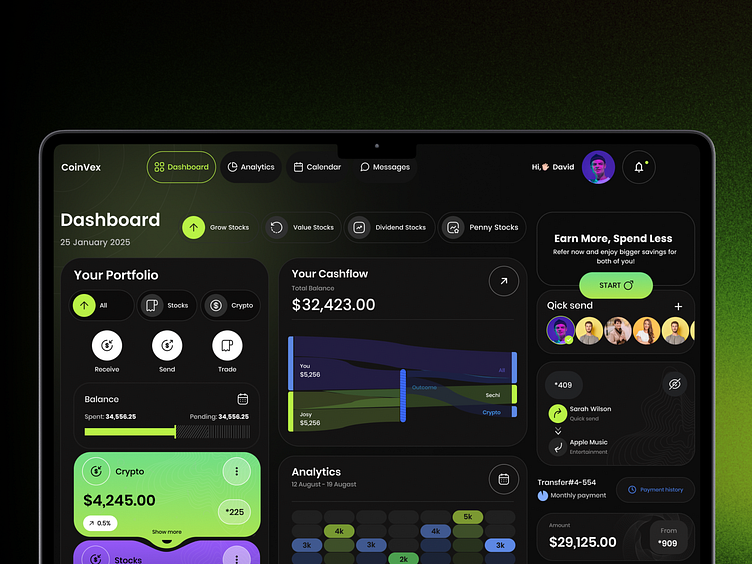
Automation also improves project visibility by ensuring that workflows remain updated automatically.
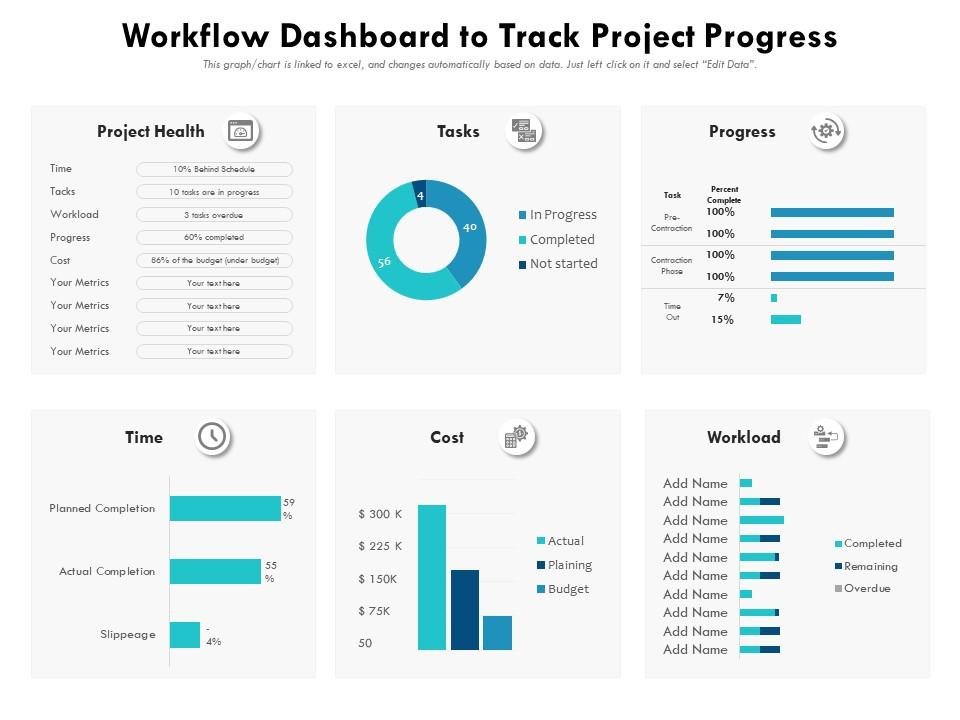
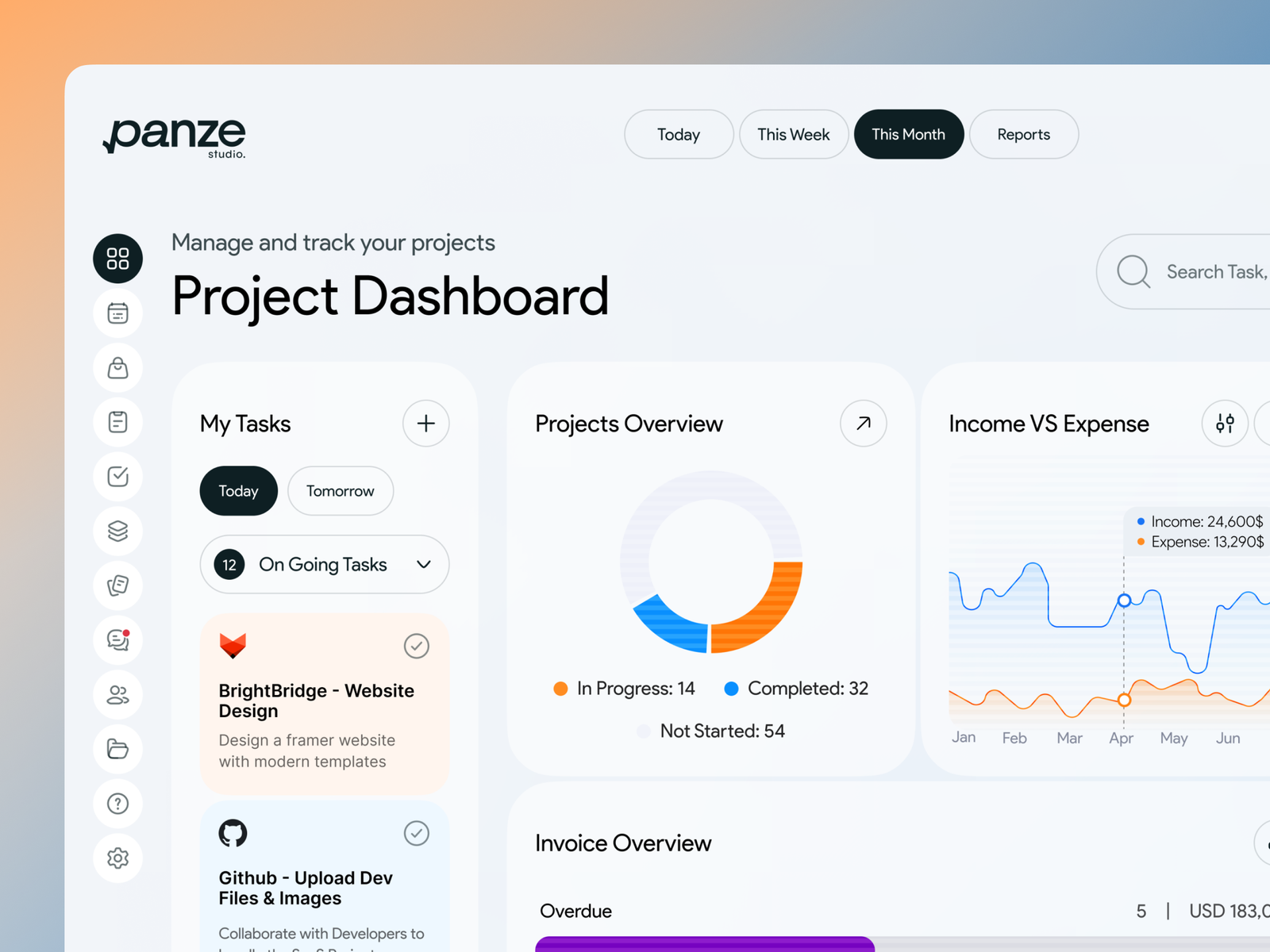
When tasks move between stages automatically, dashboards always display accurate project progress.
Managers can monitor:
- completed tasks
- pending work
- project velocity
- workload distribution
This combination of automation and analytics allows organizations to make faster and more informed decisions.
Reducing Human Error
Manual processes are one of the most common causes of operational errors.
For example:
- tasks may be assigned incorrectly
- deadlines may be forgotten
- workflow stages may not be updated
Automation eliminates many of these problems by ensuring that processes follow predefined rules.
When workflows are automated, the system maintains consistency and reduces the risk of mistakes.
Improving Team Productivity
Automation allows teams to focus on work that truly matters.
Instead of spending time on repetitive administrative tasks, employees can concentrate on:
- problem solving
- strategic planning
- collaboration
- innovation
This shift significantly improves productivity and job satisfaction.
Teams that implement structured automation often notice faster project delivery and improved operational efficiency.
Combining Automation With Task Prioritization
Automation works best when combined with structured prioritization systems.
For example, teams can automate rules such as:
- urgent tasks are automatically labeled high priority
- overdue tasks are escalated to managers
- critical tasks trigger notifications
This ensures that important work always receives attention first.
When Teams Should Implement Automation
Automation becomes particularly valuable when:
- teams manage large numbers of tasks
- projects involve multiple workflow stages
- coordination requires frequent manual updates
In these situations, automation helps teams maintain consistency and avoid unnecessary administrative work.
Even small teams can benefit from simple automation rules that streamline everyday processes.
Final Thoughts
Project management automation plays a critical role in improving productivity and reducing manual work. By automating repetitive processes such as task assignment, workflow transitions, and deadline reminders, teams can focus on strategic work instead of administrative coordination.
Automation also improves workflow visibility and reduces the risk of human error, helping teams deliver projects more efficiently.
When combined with clear task prioritization and dashboard analytics, automation becomes a powerful system that enables teams to work smarter, collaborate more effectively, and maintain consistent project performance.