Managing projects effectively is one of the biggest challenges for small teams and growing businesses. When tasks are scattered across emails, spreadsheets, and messages, teams quickly lose visibility, deadlines are missed, and collaboration becomes difficult.
Project management tools solve this problem by centralizing workflows, tasks, and communication in one place. These platforms help teams plan projects, assign responsibilities, track deadlines, and monitor progress in real time.
However, with dozens of tools available on the market, choosing the right solution can be overwhelming. Each platform offers different features, pricing models, and workflow structures.
This guide compares some of the most popular project management tools used by teams today, helping you understand their strengths, differences, and ideal use cases.
What Makes a Good Project Management Tool
Before comparing specific tools, it is important to understand the core features that define an effective project management platform.
Task Organization
A strong project management tool allows teams to:
- create tasks
- assign responsibilities
- track deadlines
- organize workflows
Clear task management prevents confusion and ensures accountability.
Team Collaboration
Project management platforms should allow team members to communicate within the tool itself. This typically includes:
- task comments
- file sharing
- notifications
- activity history
These features reduce reliance on scattered communication channels such as email.
Workflow Visibility
Good project management software provides clear visibility into project progress through dashboards, timelines, and task boards.
Teams that rely on dashboards for project visibility often benefit from structured reporting systems such as those discussed in our guide on project management dashboards and decision-making.
Automation
Automation features help teams eliminate repetitive work such as assigning tasks or sending reminders. Many companies improve workflow efficiency by implementing project management automation strategies that reduce manual work.
Teams interested in improving workflow efficiency should also explore how project management automation improves productivity.
Visual Task Management
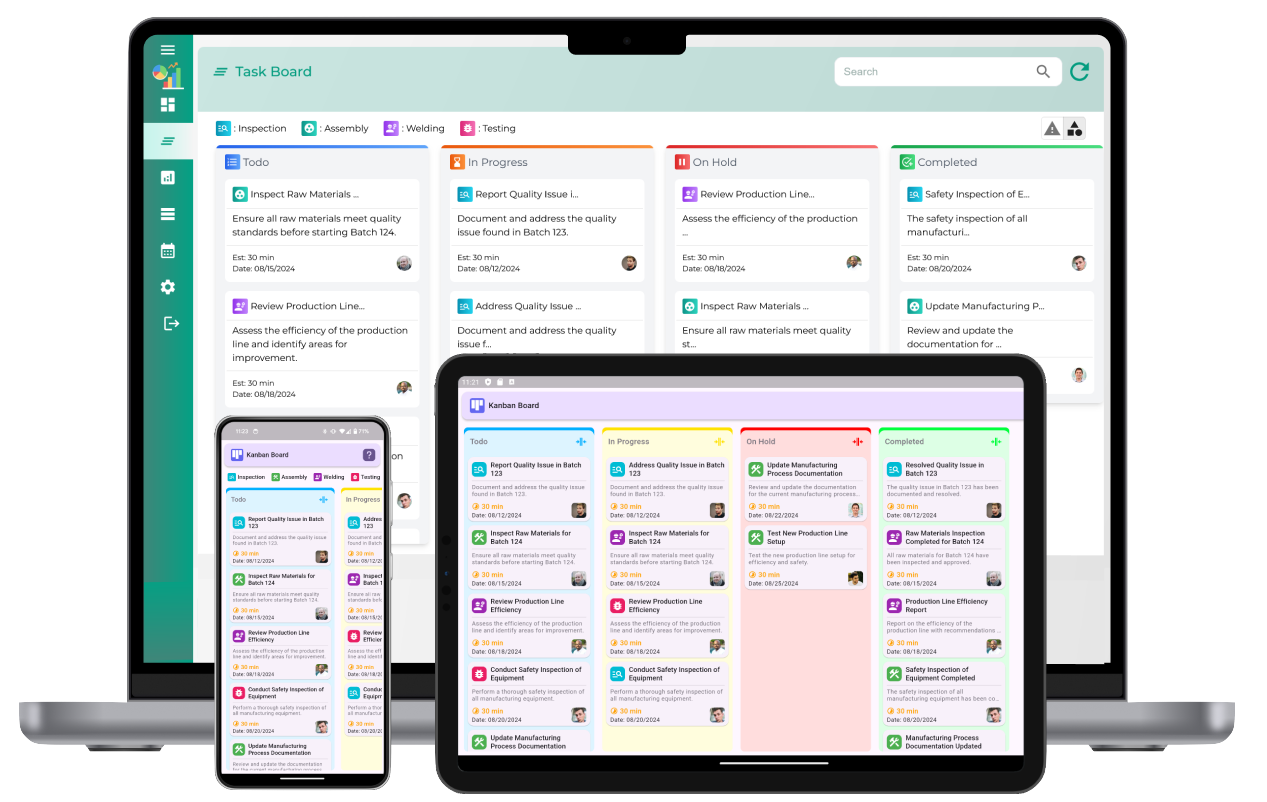
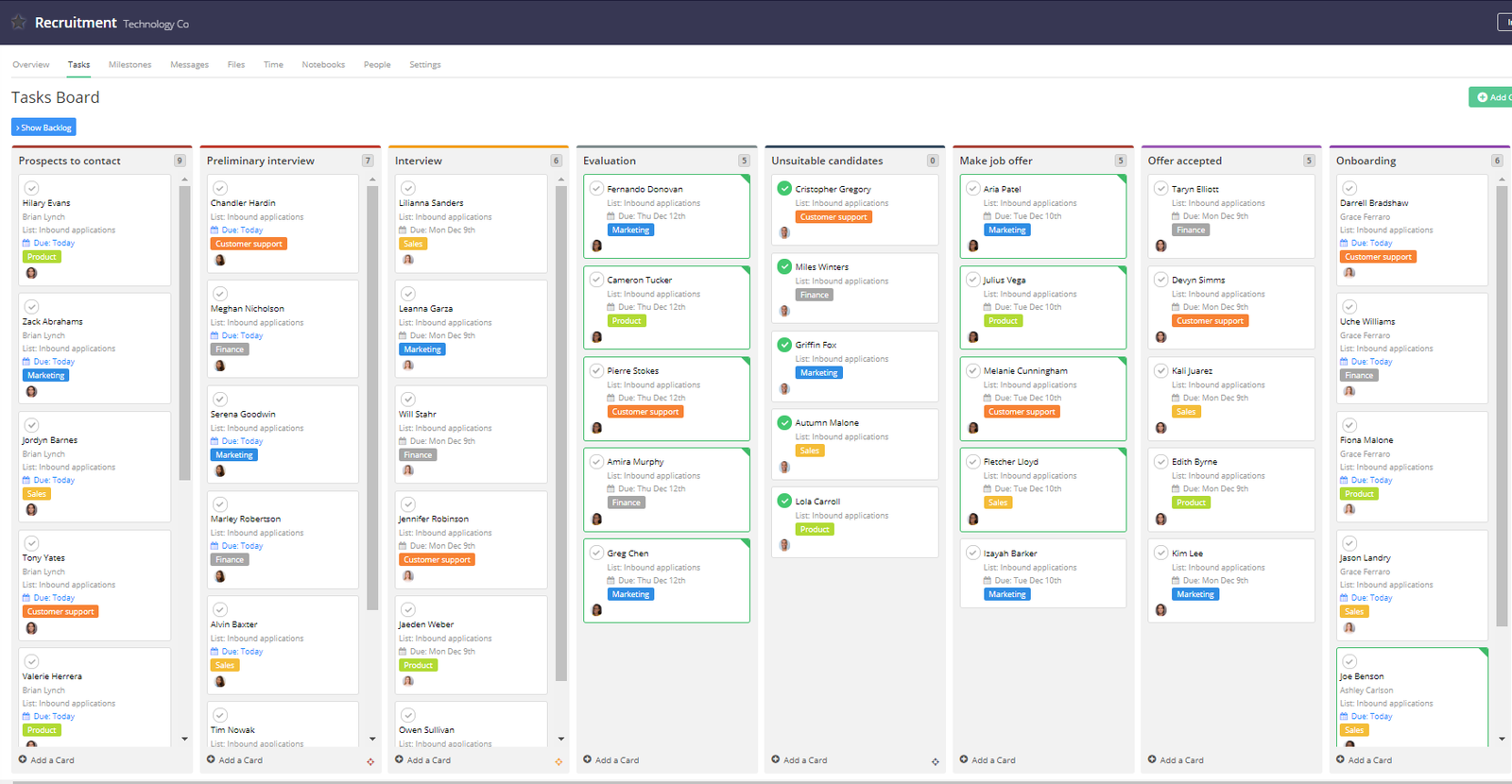
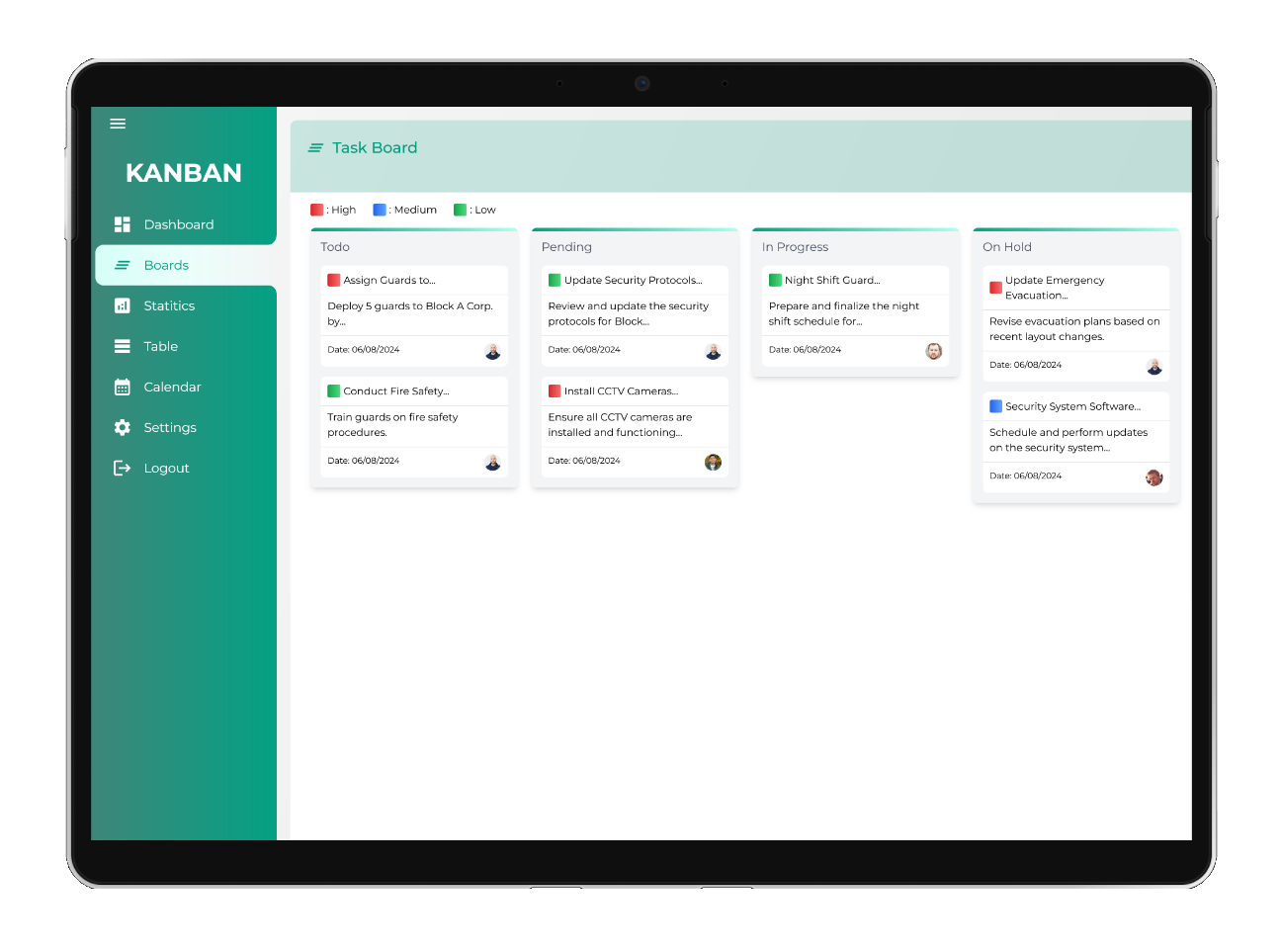
Many modern tools use Kanban boards to organize tasks visually.
A Kanban board typically contains columns representing workflow stages such as:
- To Do
- In Progress
- Review
- Completed
Tasks move between these columns as work progresses. This visual system helps teams quickly identify bottlenecks and monitor project flow.
Visual workflows are particularly useful for teams managing multiple projects simultaneously.
Popular Project Management Tools Compared
Below are several widely used project management platforms, each designed for different team needs.
Trello
Trello is known for its simplicity and visual workflow design.
Best for
Small teams looking for a simple task tracking system.
Key features
- Kanban boards
- drag-and-drop task management
- due dates
- team collaboration
Advantages
- very intuitive interface
- free plan available
- minimal learning curve
Limitations
- limited reporting features
- not ideal for complex projects
Asana
Asana offers a more structured approach to project management.
Best for
Teams managing multiple projects with clear task dependencies.
Key features
- project timelines
- task dependencies
- workload tracking
- advanced collaboration tools
Advantages
- powerful task organization
- scalable for growing teams
- strong reporting capabilities
Limitations
- slightly more complex interface
ClickUp
ClickUp is an all-in-one productivity platform that combines project management, documentation, and goal tracking.
Best for
Teams that want a highly customizable workspace.
Key features
- dashboards
- time tracking
- automation tools
- document management
Advantages
- extremely flexible
- strong free plan
- built-in productivity tools
Limitations
- can feel overwhelming for beginners
Monday.com
Monday.com focuses heavily on visual workflow management.
Best for
Teams that prefer customizable dashboards and automation.
Key features
- workflow boards
- automation
- project timelines
- integrations
Advantages
- visually intuitive
- flexible workflows
- powerful automation tools
Limitations
- pricing may increase for larger teams
Notion
Notion combines documentation and project management.
Best for
Teams that want knowledge management and project organization in one place.
Key features
- collaborative documents
- task databases
- customizable workspace
- team collaboration
Advantages
- highly flexible
- excellent for documentation
- strong collaboration tools
Limitations
- less specialized for complex project tracking
Dashboard Visibility and Project Monitoring
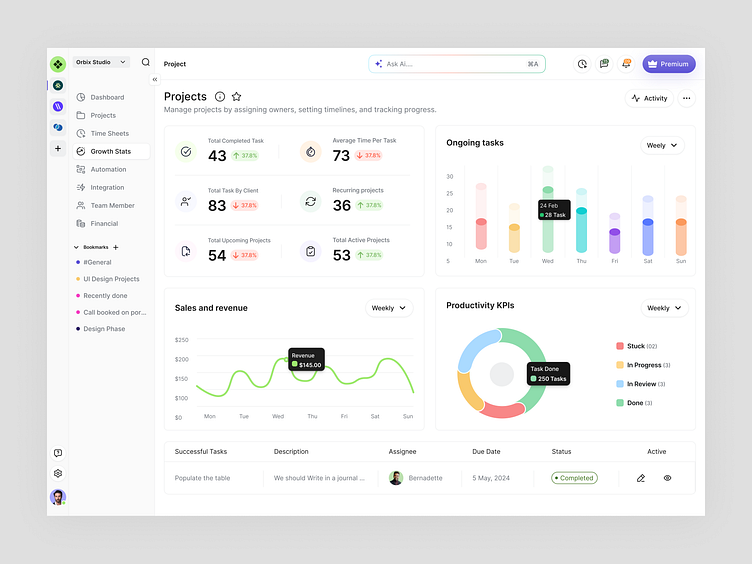
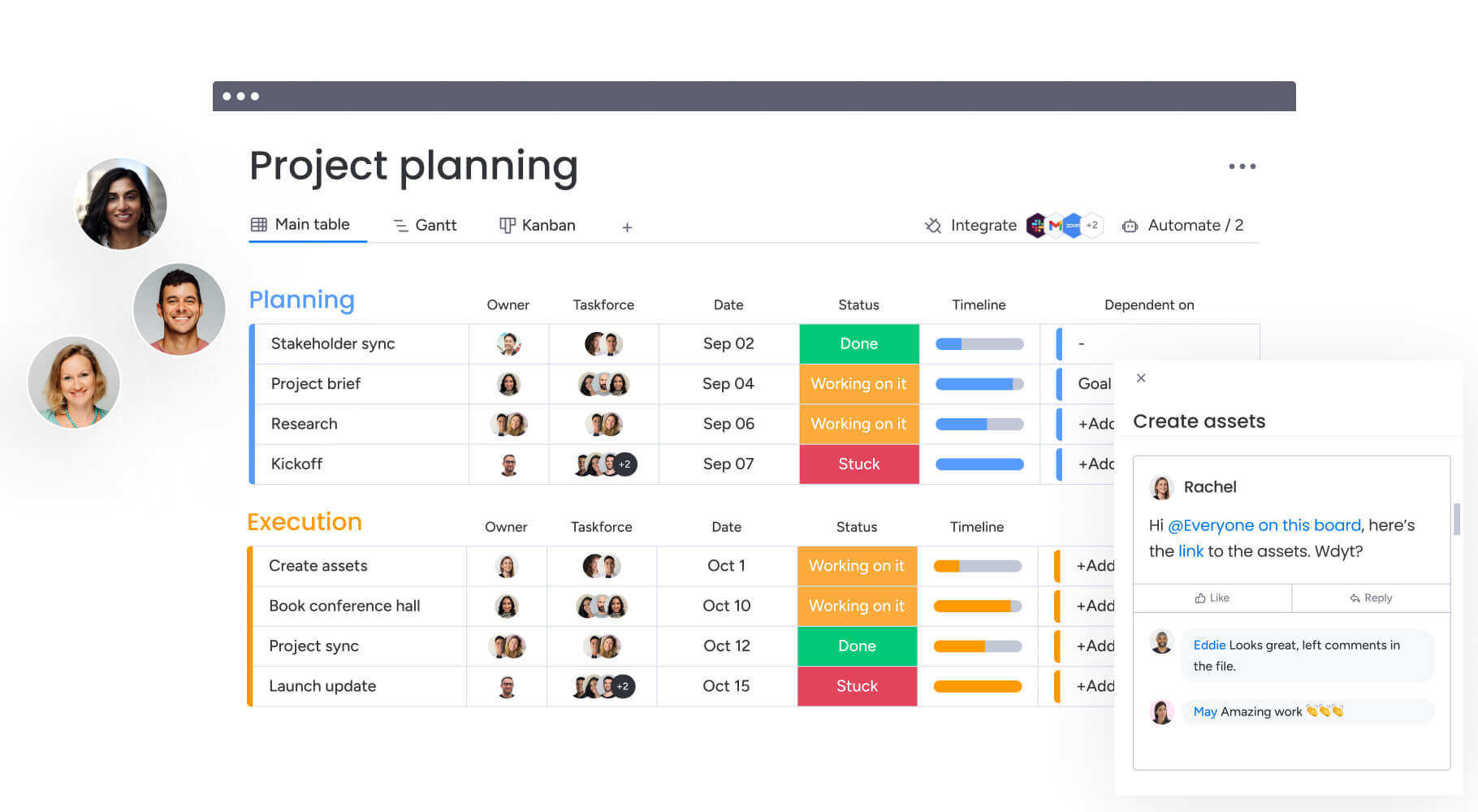
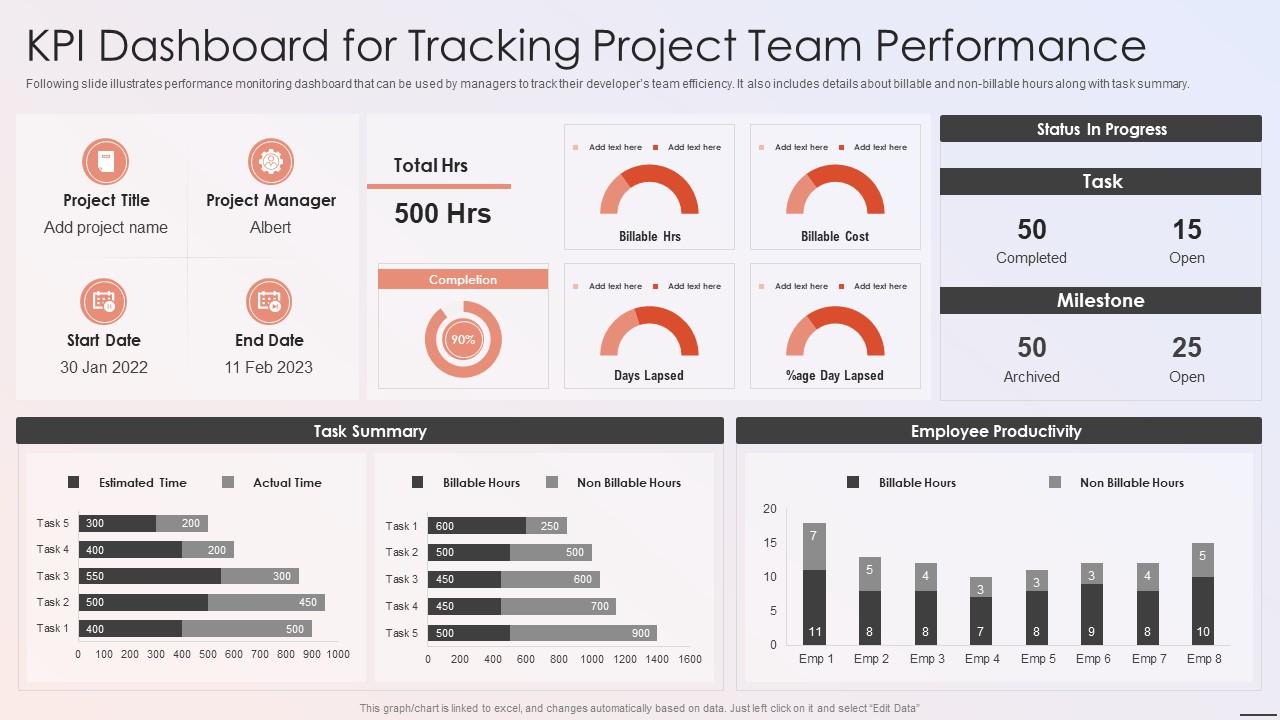
Dashboards play an important role in project monitoring.
They allow managers to quickly analyze:
- project progress
- team workload
- task completion rates
- deadline status
Clear dashboard visibility helps leaders make informed decisions and identify potential issues before they become major problems. Teams that rely on analytics and visual tracking often benefit from using project management dashboards to improve visibility and decision-making.
Choosing the Right Tool for Your Team
Different teams have different priorities. When selecting a platform, consider factors such as:
- team size
- project complexity
- collaboration needs
- budget
For example:
A small startup may prioritize simplicity and choose Trello, while a growing company managing multiple departments may prefer Asana or ClickUp.
Understanding your team’s workflow is the key to selecting the right tool. Once the right platform is implemented, teams can also improve productivity by applying project management task prioritization strategies.
Cost Considerations
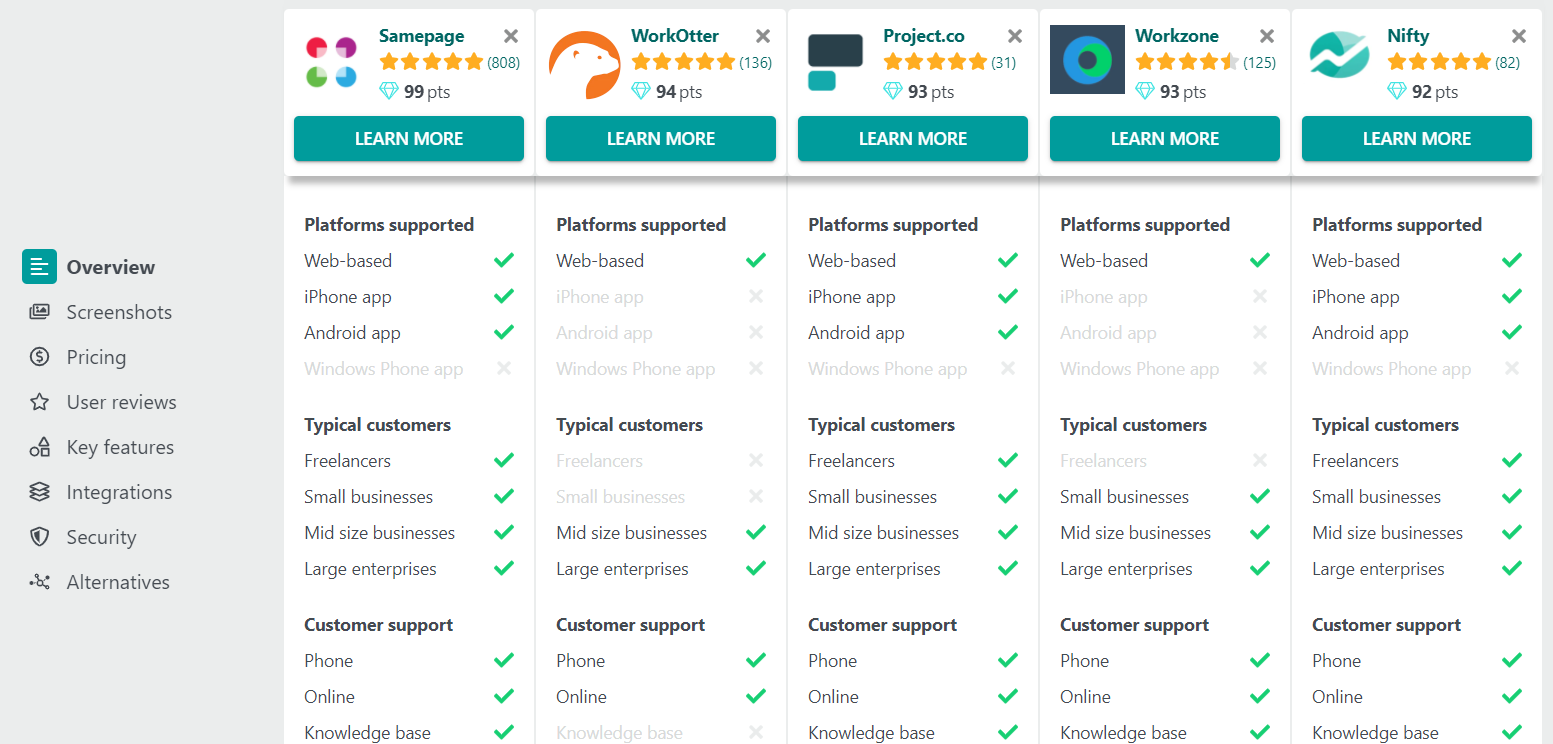
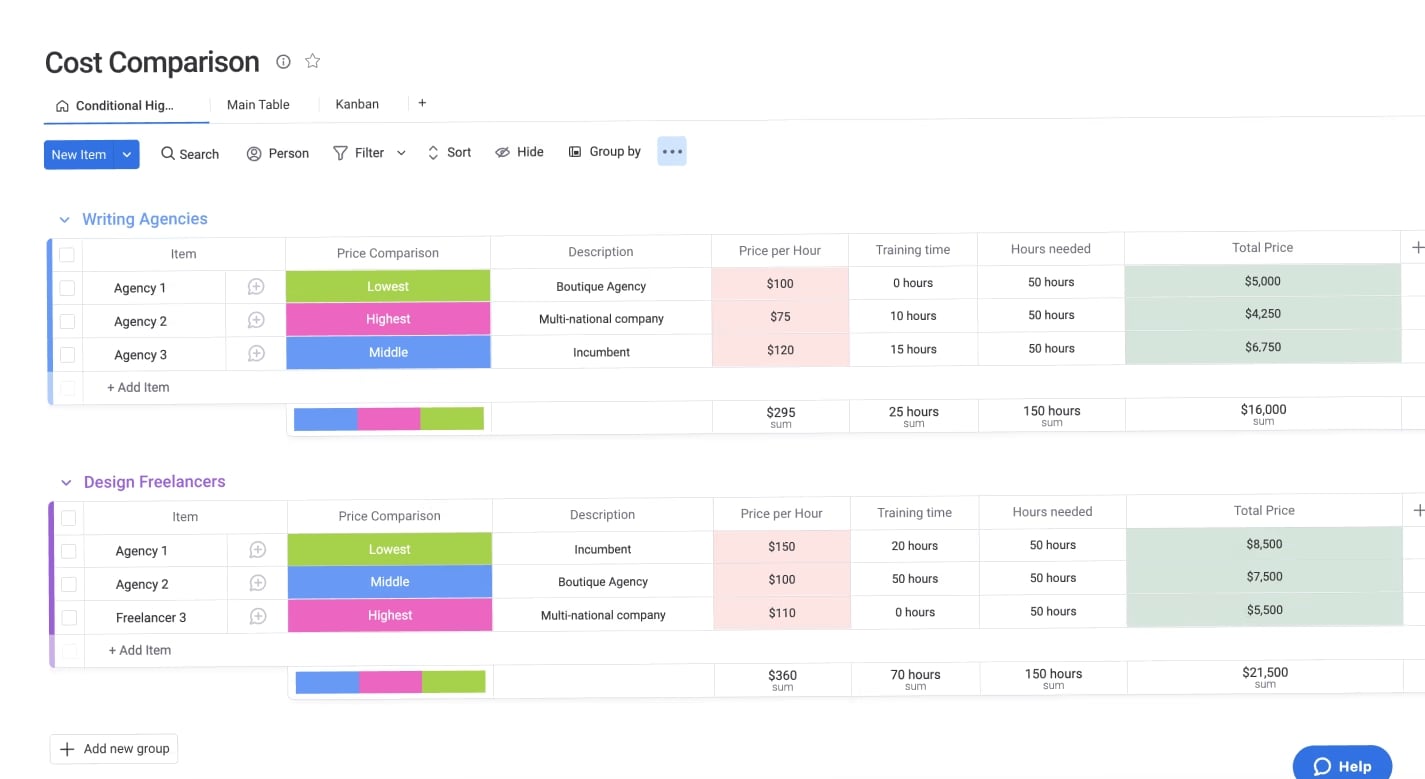
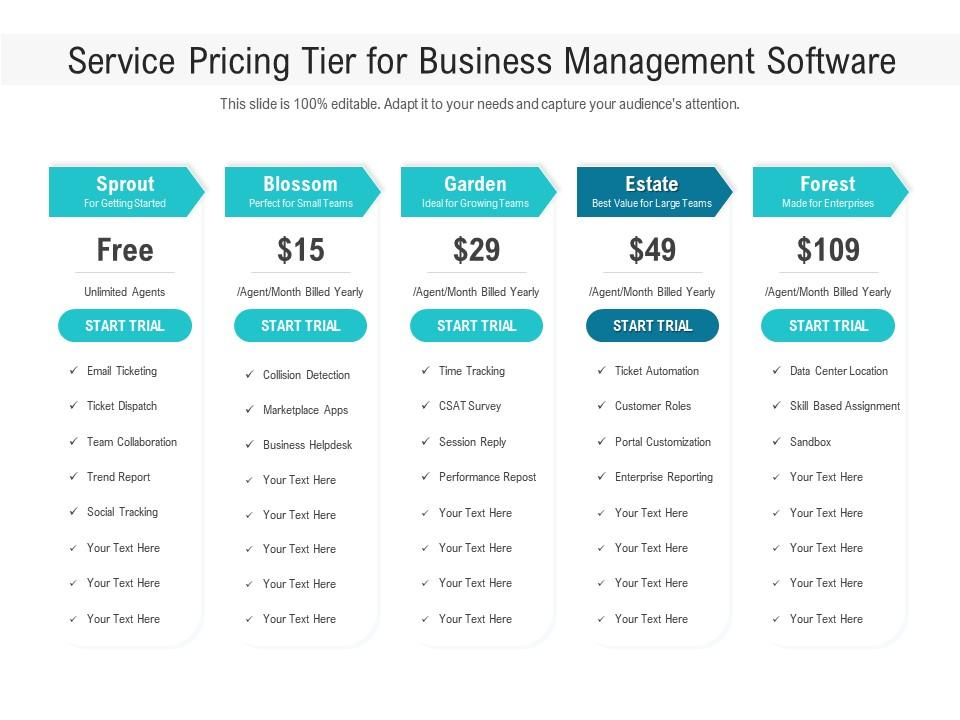
Budget is often a deciding factor when choosing project management software.
Most platforms offer tiered pricing structures including:
- free plans
- small team plans
- enterprise packages
Free plans are usually sufficient for small teams but may limit advanced features such as automation or reporting.
Understanding the return on investment is important when evaluating software costs.
Common Mistakes When Choosing Project Management Software
Teams often make several mistakes when selecting a platform.
Choosing overly complex tools
Some teams adopt enterprise-level software that is far more complicated than their workflow requires.
Ignoring team adoption
Even the most powerful tool is useless if team members do not actively use it.
Focusing only on features
The best tool is the one that fits your team’s daily workflow.
Final Thoughts
Project management tools play a critical role in helping teams organize work, improve communication, and deliver projects efficiently. The right platform simplifies workflows, increases visibility, and allows teams to collaborate more effectively.
By understanding the strengths and limitations of each tool, businesses can select a solution that supports productivity without introducing unnecessary complexity.
When the right systems are in place, teams can focus less on managing tasks and more on achieving meaningful results.